dynamic composition strategies with Midjourney spark action
Mastering dynamic composition strategies with Midjourney turns flat images into truly heart-pounding action scenes, are you prepared for the ultimate level…

Learn how to scale your business by using technology and automations.

Mastering dynamic composition strategies with Midjourney turns flat images into truly heart-pounding action scenes, are you prepared for the ultimate level…
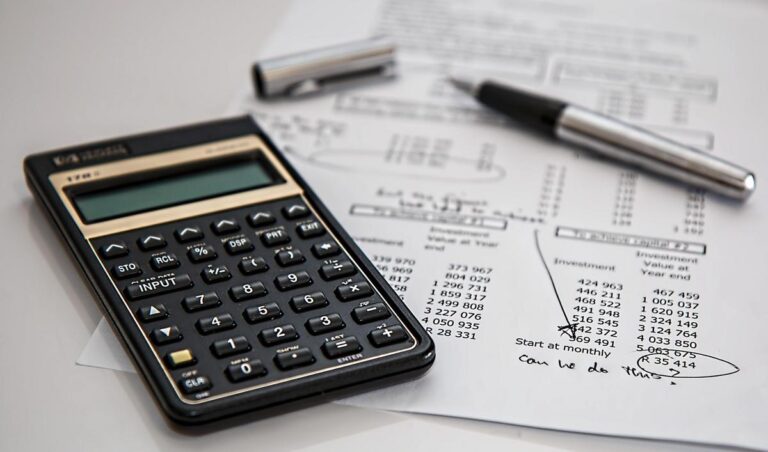
Insurers race to embed AI from risk assessment to claim reviews, yet most haven’t seen profit boosts. What strategy awaits…
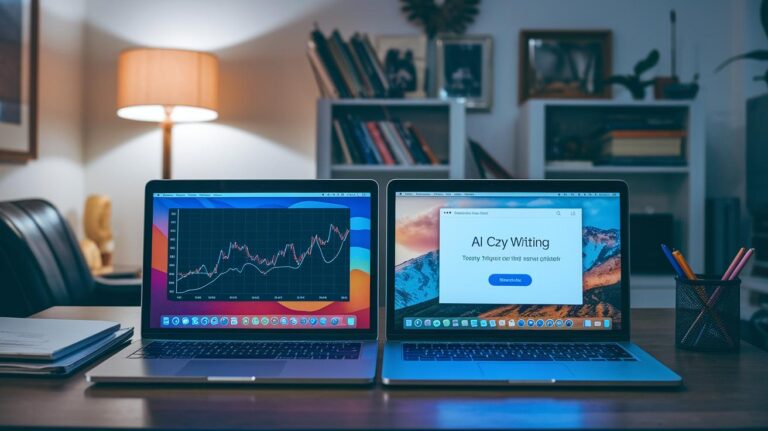
Curious how AI writing platform pricing stacks up side-by-side and which plan delivers value for every budget and use case…

Ready to transform support? ChatGPT for customer support use cases tackles FAQs, escalations, and 24/7 instant chat but sparks curiosity?

Switching pandas for Modin on Colab cuts runtimes dramatically, benchmarks, memory tests, and more… but results might unexpectedly shock you…

IBM’s Power11 merges AI performance with rock-solid uptime into a single server, offering near-perfect reliability, zero downtime right when it…

Forget repetitive chatbots—Google’s new Memory Bank gives agents lasting recall, personalizing daily user conversations. But its biggest challenge still awaits…

Cost estimation for Google Gemini AI API usage can feel tricky but this guide simplifies math, pricing tiers and reveals…

Google’s MedGemma and MedSigLIP break imaging barriers, letting clinicians generate instant reports and spot anomalies previously unseen with surprising speed…
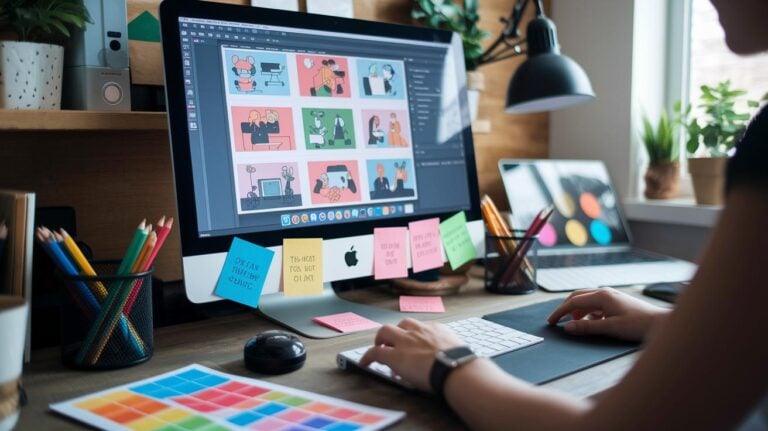
Generating crisp vector-quality images with Midjourney begins with carefully designed prompts that include subject definition, style and color tags, aspect ratio and background instructions. Templates for full illustrations and simple icons streamline the process: sample prompts show flat style, bold lines, pastel palettes and stroke-only logos. Lower stylize settings around s50 and version 5 ensure clean edges, as quality boosts and upscaler features refine line clarity. Aspect ratio choices such as 1:1 for logos, 3:4 for portraits or 16:9 for banners maintain scalability without heavy edits. After rendering, raster-to-vector tools handle automatic tracing or manual node adjustments in applications like Illustrator or Inkscape. Final export strategies cover EPS for print, PDF for editable layouts and transparent backgrounds for web assets, with path simplification and color mode selection for efficient file sizes. Expert tips cover path smoothing, organized layer structure and prompt refinement to prevent over-detail or color bleed in large projects.